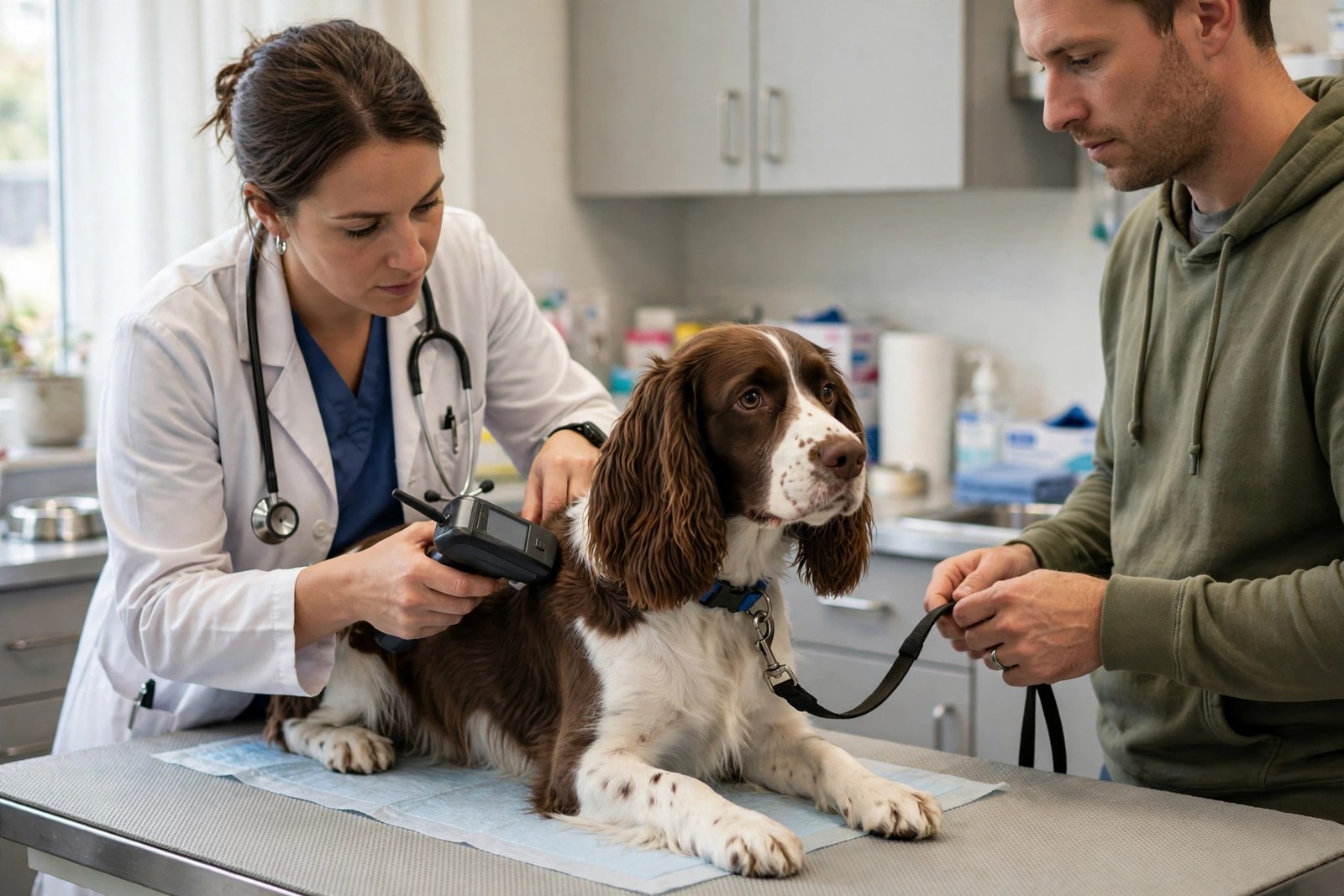
A microchip is not a tracker and it stores no contact details itself — it holds one number, and that number is only as useful as the record it points to in a registry database. When a lost dog is scanned at a vet practice or shelter, staff look the number up and call whatever phone number the registry holds. If that number is your old flat's landline, the chip has effectively failed, which is why keeping the record current is a specific admin task with specific steps — not something that updates itself when you move.
Step One: Find the Number and the Registry
You cannot update a record you cannot identify. Your dog's chip number is typically a long number of nine, ten, or fifteen digits, and it should appear on the paperwork from implantation, on vaccination or vet records, or on a registration confirmation. If you cannot find it, ask your vet to scan your dog at your next visit — or pop in for a free scan — and write the number down from the scanner. With the number in hand, use a universal chip lookup service online to see which registry holds the record, because it is not always the company you assume; chips implanted by breeders, rescues, or previous owners are often registered somewhere the current owner has never dealt with. While you are there, check whether the record is registered to you at all — a surprising number of dogs are still listed under a breeder, rescue, or previous keeper.
Step Two: Update the Record at Every Life Change
Contact the registry directly — most offer an online account, with phone updates as the fallback — and correct every field: your mobile number first, since that is the number a finder will reach fastest, then your home address, email, and a secondary emergency contact who lives elsewhere and would know your dog. The moments that matter are the moments owners forget: moving house, changing mobile numbers, rehoming within the family, or a change in who the dog actually lives with after a separation. Update the registry before or during the move itself, not in the calm after, because a disoriented dog in a new neighbourhood is at peak escape risk in exactly those first unsettled days. If you adopted your dog, complete the transfer of keepership into your name rather than assuming the paperwork did it for you.
Step Three: Verify the Chip Itself, Every Year
Chips occasionally migrate from the implant site between the shoulder blades and, rarely, stop reading. Ask the vet to scan your dog at every annual health check and confirm the number that appears matches your paperwork and still sits where a scanner will look for it. Store a copy of the chip number, the registry name, and your login details somewhere findable under stress — a note in your phone and a copy with your dog's other records — because the night your dog goes missing is the worst possible time to discover you do not know any of it. Check the registry record once a year even if nothing has changed; contact details drift, email accounts get abandoned, and registries occasionally hold errors from the original data entry that only you would ever spot.
Add a Layer a Finder Can Use Instantly
A chip needs a scanner and a database lookup; a visible layer works on the spot. Keep a collar ID tag engraved with your current mobile number, and back the whole system with KinsLe's Verified QR ID Pet Profiles, which gives your dog a unique QR code for the collar that a finder scans with any phone to reach your dog's profile and contact you directly — a profile you can update the moment a number changes, while the registry edit works its way through, so the two systems cover each other's gaps.