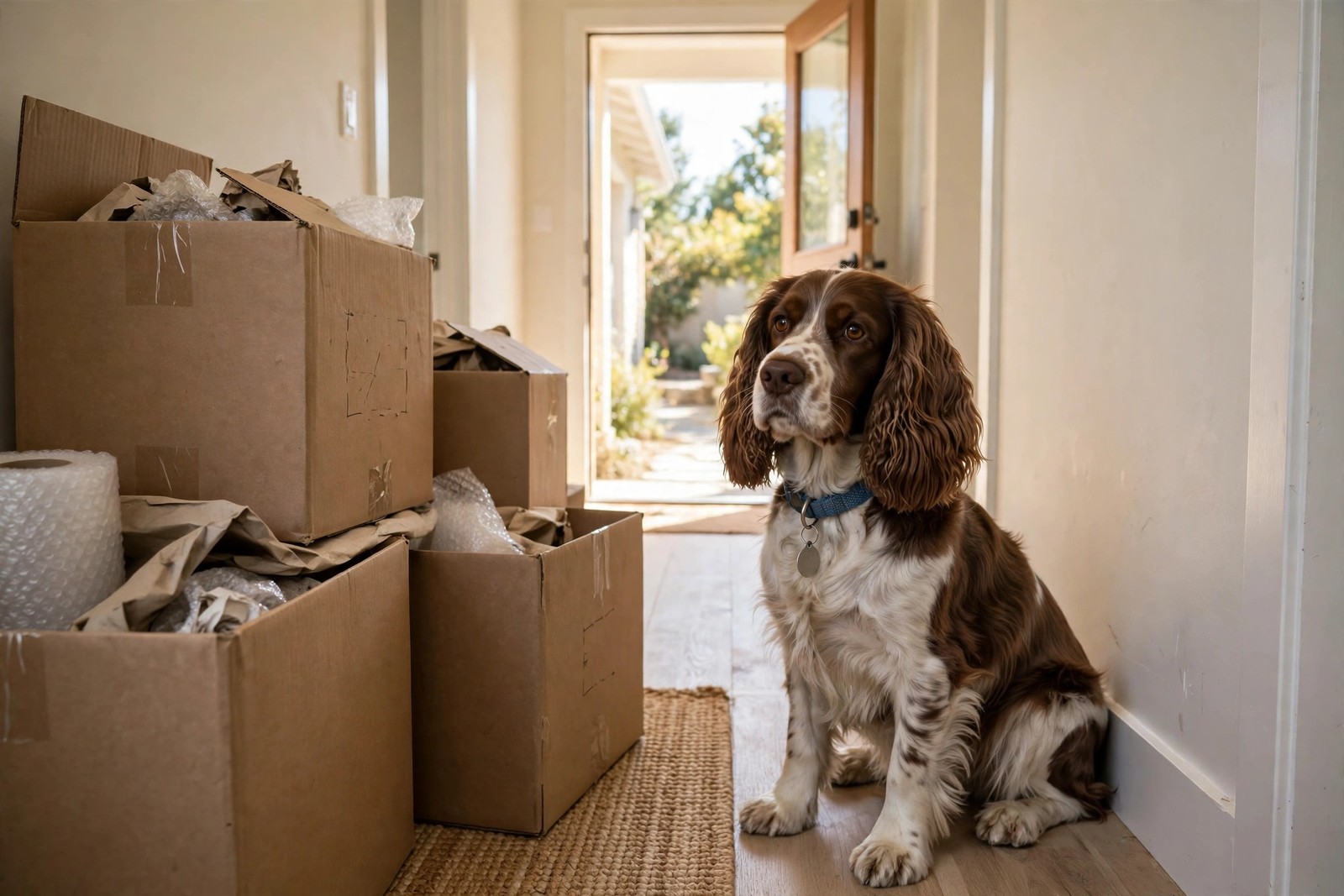
A microchip only reunites you with your dog if the registry record behind the chip number points to your current address and a phone you actually answer. Moving house does not update that record automatically, and neither does telling your vet. The registry is a separate database, so after a move you have to change it yourself and then prove the change went through.
Find the Chip Number and the Right Registry
Start with the number itself. It is usually printed on your adoption paperwork, the vaccination certificate, or a sticker in your vet records. If you cannot find it, any vet, shelter, or rescue can scan your dog in a minute and read the number off the scanner at no fuss. With the number in hand, identify which registry holds the registration. If you enrolled the chip yourself, that is the company you created an account with. If a breeder, rescue, or previous owner enrolled it, you may need a transfer into your name first, which sometimes carries a small fee and may require the previous owner's release. Do this step before changing the address, because a record still listed under someone else will send a finder to them, not to you.
Change the Record, Field by Field
Log in to the registry account, or create one linked to the chip number if you have only ever dealt with the registry by phone. Work through every field, not just the street address: new house address, your current mobile number, a second phone if the form allows one, your email, and an emergency contact who lives locally and could collect your dog if you are away. Many registries update an address free, while others charge a modest fee for changes or transfers, so if a payment screen appears, finish it rather than leaving the edit pending. Save or screenshot the confirmation page and note the confirmation number with your moving paperwork.
Confirm the Change Actually Stuck
This is the step owners skip and later regret. Log out, then search or look up the chip again, or call the registry and ask them to read the address and phone numbers back to you. Check the spelling of the new street name and that the postcode matches the new house. Then test the human side of the system: make sure the phone listed is charged, has voicemail set up, and that your emergency contact knows they are listed and has your new address. If your dog also wears an engraved tag with your old address, replace it during the same week, and tell your vet and your regular sitter or walker about the move so their records match the registry.
Why the First Weeks in a New House Matter Most
Dogs slip out most often during moves and in the first weeks afterward: doors stand open for furniture, fences and gates are unfamiliar, and a stressed dog may bolt toward the old neighborhood. For that first month, keep your dog on leash in the new yard until you have checked every gate latch and fence line, and be strict about doors during deliveries and unpacking. A registry record updated before moving day, rather than after you settle in, covers exactly the window when an escape is most likely. Keeping KinsLe's Verified QR ID Pet Profiles current alongside the registry gives anyone who finds your dog a second, immediate way to reach the profile and contact details you control and can change in minutes.