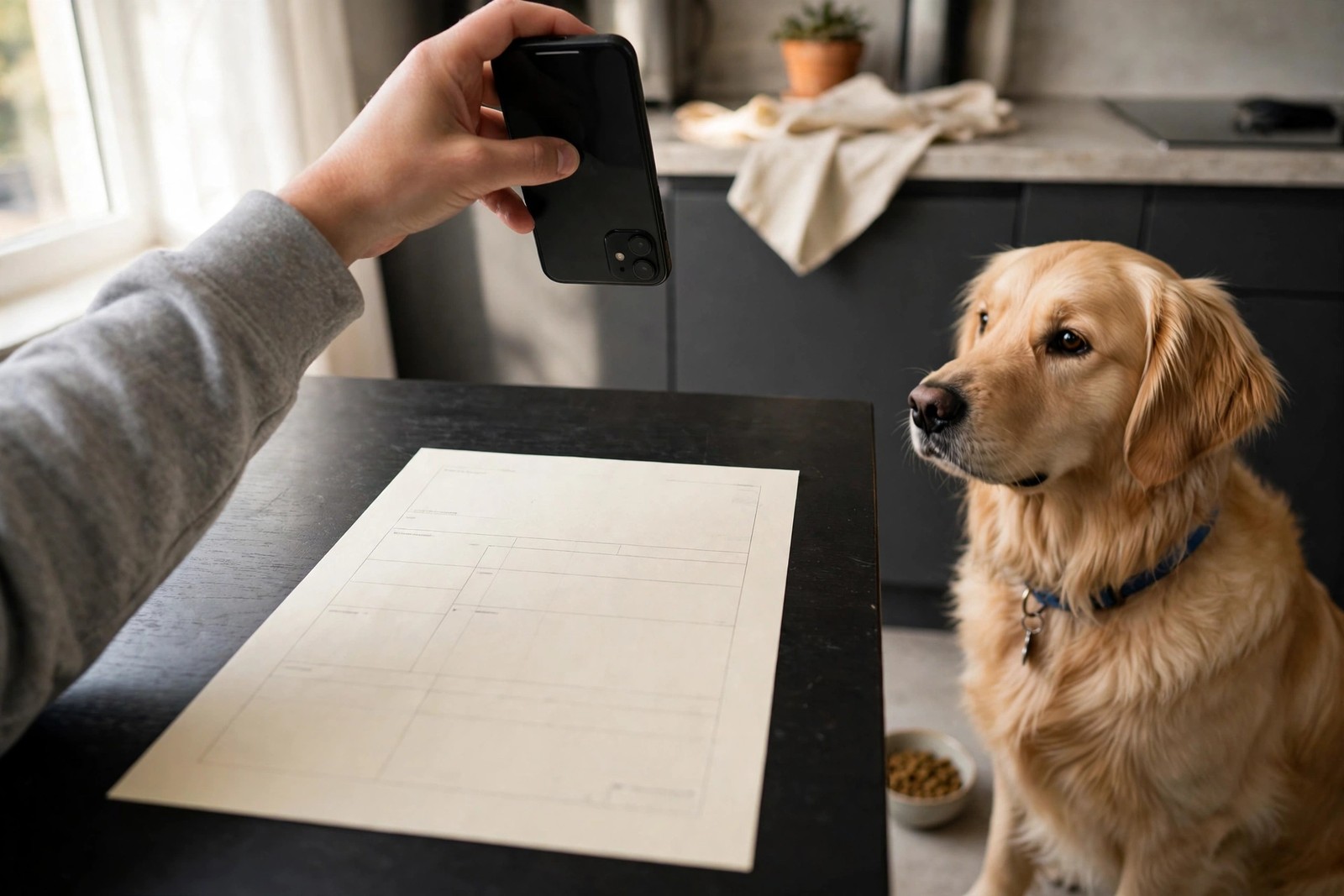
Yes — a photographed backup is one of the cheapest safeguards a dog owner can make, provided you treat it as a backup and not a replacement. Paper lives in one drawer. A clear photo lives on your phone at the trailhead, the boarding kennel, and the out-of-hours clinic, which is exactly where document questions tend to happen.
Which documents are worth photographing
Start with the pages someone else may actually ask to see. Photograph the rabies vaccination certificate first, showing your dog's name, the vaccine date, the expiry date, and the clinic stamp or signature in a single frame. Add the full vaccination record, the microchip number page or card, the local license if your area issues one, insurance policy details if you carry cover, and any ongoing medication list with your vet's name and phone number. Finish with one current full-body photo of your dog from the side and one of the face, because a document set that cannot be matched to the dog in front of a finder or officer is only half useful.
How to get a legible copy
Lay each sheet flat on a plain, dark surface in bright, even light, with no shadow from your hand across the text. Hold the phone directly above the page, fill the frame with the document, and tap to focus before you shoot. Take one photo per page rather than cramming a folded record into a single blurred shot, then zoom in on the result: if you cannot read the smallest expiry date at full size, nobody else will be able to either, so retake it. Slightly angled shots that cut off a corner or a stamp are the most common reason a photographed certificate gets questioned.
Where to store the photos, and how to keep them safe
A camera roll buries documents under thousands of everyday pictures, so move the set into one clearly named album and a backed-up cloud folder the same day. That off-phone copy matters: a lost or broken phone should not take your only backup with it. Because these images contain your name, address, and your vet's details, keep them behind your phone lock and a password-protected account, and share individual pages only with people who need them — a boarder before a stay, a new vet before an appointment — rather than posting them anywhere public.
What a photo cannot do
Keep the paper originals, especially the signed rabies certificate. Some boarding facilities, groomers, airlines, and border officials ask for an original or a vet-issued copy, and a phone image may be accepted as helpful proof in the moment yet still not satisfy a formal requirement. Think of the photograph as the copy that gets you helped quickly and points everyone to the facts, while the original at home remains the legal version of record. Replace photos whenever a document is renewed, and delete the outdated set so an expired certificate is never the one you send in a hurry.
A five-minute routine that keeps it current
Whenever your dog gets a new vaccination, a new license, or a changed medication, photograph the new page that day, check it for legibility, file it with the set, and remove the superseded image. Twice a year, open the album and confirm every expiry date shown is still ahead of you. Owners who build that small habit never have to reconstruct records from memory during an emergency. Keeping the whole photographed set inside KinsLe's Pet Passport means the backup travels as one organised packet instead of scattered pictures, ready the moment a clinic, kennel, or fellow traveller asks to see it.