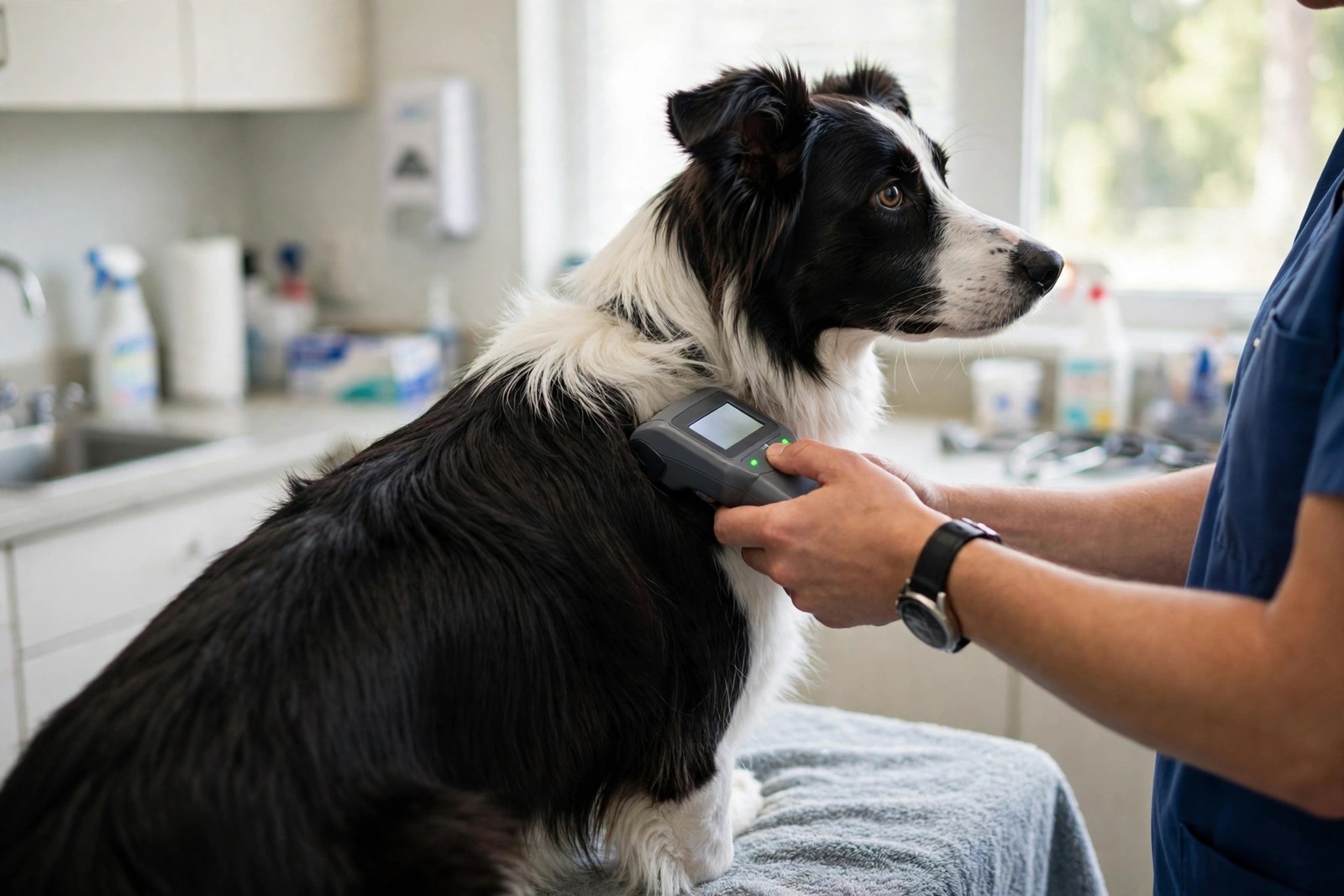
Your dog's chip number and its registry record are two different things. The chip in your dog carries only a number; the registry is the database that links that number to your name and phone. Finding which registry holds the record takes three steps: get the number, run it through a universal lookup, then contact that registry to check what it holds.
Step One: Get the Chip Number
If you do not have the number on adoption papers, vaccination certificates, or the original implant paperwork, have the chip read. Most veterinary practices, shelters, and rescues will scan a dog free of charge and tell you the number on the spot. Write down every digit exactly — chips come in 9-, 10-, and 15-digit formats, and one wrong digit sends a lookup to the wrong dog or to nothing at all. Note where the chip sits, too; chips occasionally migrate from the shoulder blades to the chest or shoulder, which matters for future scans.
Step Two: Run a Universal Lookup
Enter the number into a universal microchip lookup service — a search tool built to query many registries at once rather than a single company's database. The result normally names the registry the chip is enrolled with, the date the record was last updated, and how to contact that registry. This step is essential because chips are sold by several manufacturers and enrolled in different databases; guessing one company's website and searching only there misses dogs whose chips live elsewhere.
Step Three: If the Lookup Finds Nothing
An empty result does not mean there is no chip. The chip may never have been enrolled after implanting — a surprisingly common gap when paperwork was left to an owner who assumed the vet had done it — or it may be registered under a previous owner, a breeder, or the rescue. Go back to whoever implanted it: the practice or organisation that fitted the chip usually recorded which registry they used and can often tell you the enrolment status. Your own vet can also rescan to confirm the number was read correctly.
Once You Find the Registry, Check the Details
Contact the registry and confirm the record shows your current mobile number, an alternative contact, and your address. Ask what happens if your dog is scanned — who gets called first — and update anything stale the same day. Keep a note of the registry name, the chip number, and the date you verified it with your dog's other records, and recheck after any house move or phone change.
A chip only works when a finder can scan it and the database answers, so a second, visible layer helps while you sort paperwork: KinsLe Verified QR ID Pet Profiles puts a unique QR code on your dog's collar that anyone can scan with a phone — no special reader needed — to reach their profile and contact you directly.