
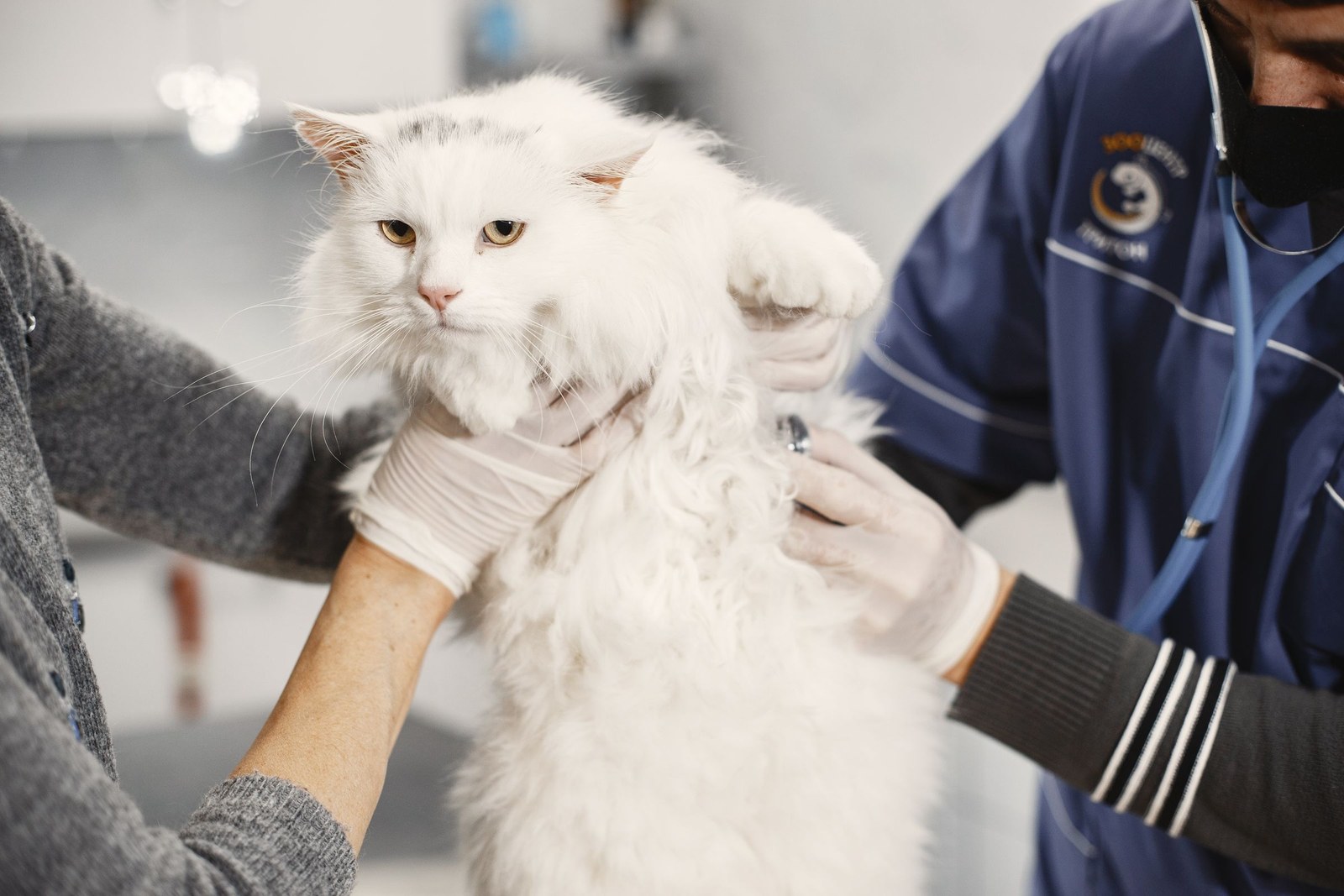
Keep your cat's identification current by updating the microchip registry every time your details change — a move, a new phone number, a new email — and by asking your vet to scan the chip at annual visits to confirm it still reads and hasn't migrated. Outdated contact details are the most common reason a microchipped, found cat still can't get home.
Why Chips Go Stale
A microchip itself stores only an ID number. That number links to your contact record in a registry database, and the database is only as good as the last time you touched it. People move house, switch mobile numbers, and let old email addresses die — and each change silently breaks the chain between a found cat and her owner. There's a second common trap: assuming the vet or shelter registered the chip for you. Sometimes implantation and registration are separate steps, and chips have been discovered years later with no owner record attached at all. Chips can also occasionally migrate under the skin, which is why a scan check matters.
A Routine That Takes Ten Minutes a Year
Build chip-checking into things you already do:
- When you move or change numbers, update the registry the same week — treat it like forwarding your mail.
- Once a year, log in to the registry (or call it) and read back every field: phone, email, address, emergency contact.
- Add a backup contact — a partner, family member, or friend — in case you're unreachable or traveling.
- At the annual vet visit, ask the team to scan the chip and tell you the number; keep that number in your phone.
- After any rehoming, both the old and new owner should confirm the registry transfer went through.
Keep a note of which registry holds the record, since more than one exists. If you don't know your cat's chip number or registry, your vet can scan and point you to the right place.
Don't Forget the Visible ID
Registry updates protect the cat who reaches a scanner. Visible ID — a breakaway collar with a legible tag — protects her sooner, because a finder can call you from the sidewalk. Replace worn tags, and check that engraved numbers are still readable. If your cat has medical needs, note that on the tag or profile so a finder knows time matters.
Where KinsLe Fits
KinsLe's Verified QR ID Pet Profiles put your contact information on your cat's own profile, tied to a unique QR ID she can wear. Unlike a chip registry you might visit once a year, your KinsLe profile is something you can update in moments whenever life changes — new number, new address, new emergency contact — and the change is live immediately for anyone who scans her code. Used alongside a registered chip and a good collar tag, it gives your cat three independent ways home. Anyone who finds your cat can scan the code on her collar and reach the Verified QR ID Pet Profiles record on KinsLe, matching her to you from the contact details shown there instead of waiting for a shelter scan.