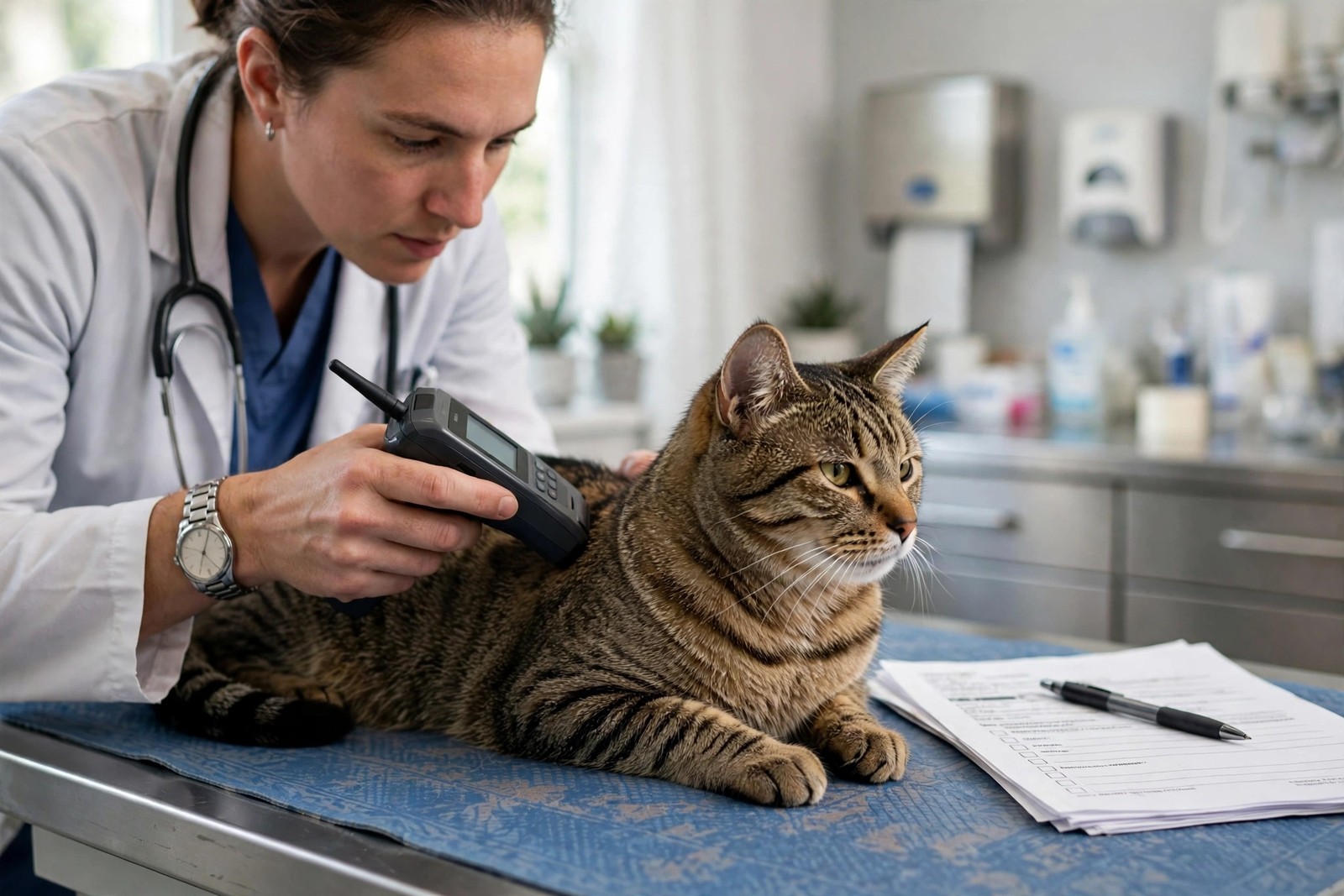
A microchip does not store your address, and it is not a tracker. It holds one thing: a unique number. When a shelter or clinic scans your cat, that number is looked up in a registry database, and the database returns whatever phone number and address someone last typed into it. A move quietly breaks that chain unless you update the record yourself — nobody does it automatically when you change address, switch vets, or get a new phone.
Step One: Find the Chip Number
Look through the paperwork that came with your cat: vaccination certificates, adoption or breeder documents, insurance papers, and the original registration confirmation often carry the number, usually nine, ten, or fifteen digits. Check any tag or card that arrived with the registration. If nothing surfaces, any veterinary clinic, shelter, or rescue can scan your cat in seconds, free at most clinics, and read the number off the scanner. While you are there, confirm the chip still scans in its usual spot between the shoulder blades, since chips occasionally migrate under the skin. Write the number down somewhere separate from the paperwork box that is still unpacked.
Step Two: Identify and Contact the Registry
The number alone does not tell you which company holds the record, but the veterinarian or rescue who implanted or registered the chip usually can, and chip-lookup services can point you to the right database from the number itself. Contact that registry directly — most offer an online account, and all can update records by phone. Change every field that moved with you: new address, current mobile number, and a second emergency contact who lives elsewhere and would answer an unknown number while you are travelling or mid-move. If you adopted your cat, confirm the registration is actually in your name; a surprising number of chips still list a rescue, breeder, or previous owner because the transfer was never completed. Some registries charge a small fee for changes or premium accounts, while basic updates are often free — ask rather than assuming.
Step Three: Verify the Change Took
Never trust that an update saved. Log back in or call again a day later and read the record as a stranger would: is the phone number exactly right, digit by digit? Is the new address complete? Test-call the listed number from another phone if you can. Keep the confirmation email or reference the registry gives you. Then update the same details everywhere else they live — your veterinary clinic's file, your insurer, and any lost-pet services you use — because a finder may reach any one of them first. Repeat this quick audit every year and after any phone change, not only after a move.
Cover the Gap While Records Catch Up
Registry updates can take time to propagate, and a cat is most likely to slip out during the chaos of a move itself, in an unfamiliar neighbourhood where they cannot find home. Keep your cat indoors with doors and windows secured for the first weeks, fit a collar with a current phone number if your cat tolerates one safely, and add KinsLe Verified QR ID Pet Profiles to that collar, so anyone who finds your cat can scan the tag and reach their profile and you directly rather than waiting on a chip scan and a database lookup.